
Share with your community


In this guide, we break down the ERP vs CRM debate in plain language, what each system does, when you need one over the other, how they work together, and how platforms like Zoho and ERPNext fit into the picture.
A CRM, Customer Relationship Management system, is software designed to manage everything related to your customers and prospects. Think of it as the operating system for your sales, marketing, and customer service teams.
According to Gartner, CRM software is the largest and fastest-growing enterprise application software category, a clear signal of how central customer relationships have become to modern business strategy.
A CRM helps you:
In short, a CRM answers the question: “Who are our customers, how did we get them, and how are we keeping them?”
Zoho is one of the most powerful and cost-effective CRM platforms available today. As an Authorized Zoho Partner, Synkrone8 implements Zoho CRM for businesses across industries, connecting sales pipelines, automating workflows, and giving teams full visibility into every customer interaction.
Zoho CRM doesn’t just manage contacts. It’s part of the broader Zoho One ecosystem, which means it integrates with Zoho Books (accounting), Zoho Projects, Zoho People, and Zoho Analytics, giving growing businesses a surprisingly complete operational suite without the complexity of a full ERP.
An ERP, Enterprise Resource Planning system, is software that integrates your core business operations into one unified platform. It’s the backbone of how your business actually runs, not just how you sell.
According to IBM, ERP systems have evolved from back-office financial tools into comprehensive platforms connecting every function of a business, from supply chain and manufacturing to HR and customer service.
An ERP answers the question: “How is our business actually operating, and is it profitable?”
Want to understand how technology decisions fit into the bigger picture? Read our complete guide to Zoho CRM.
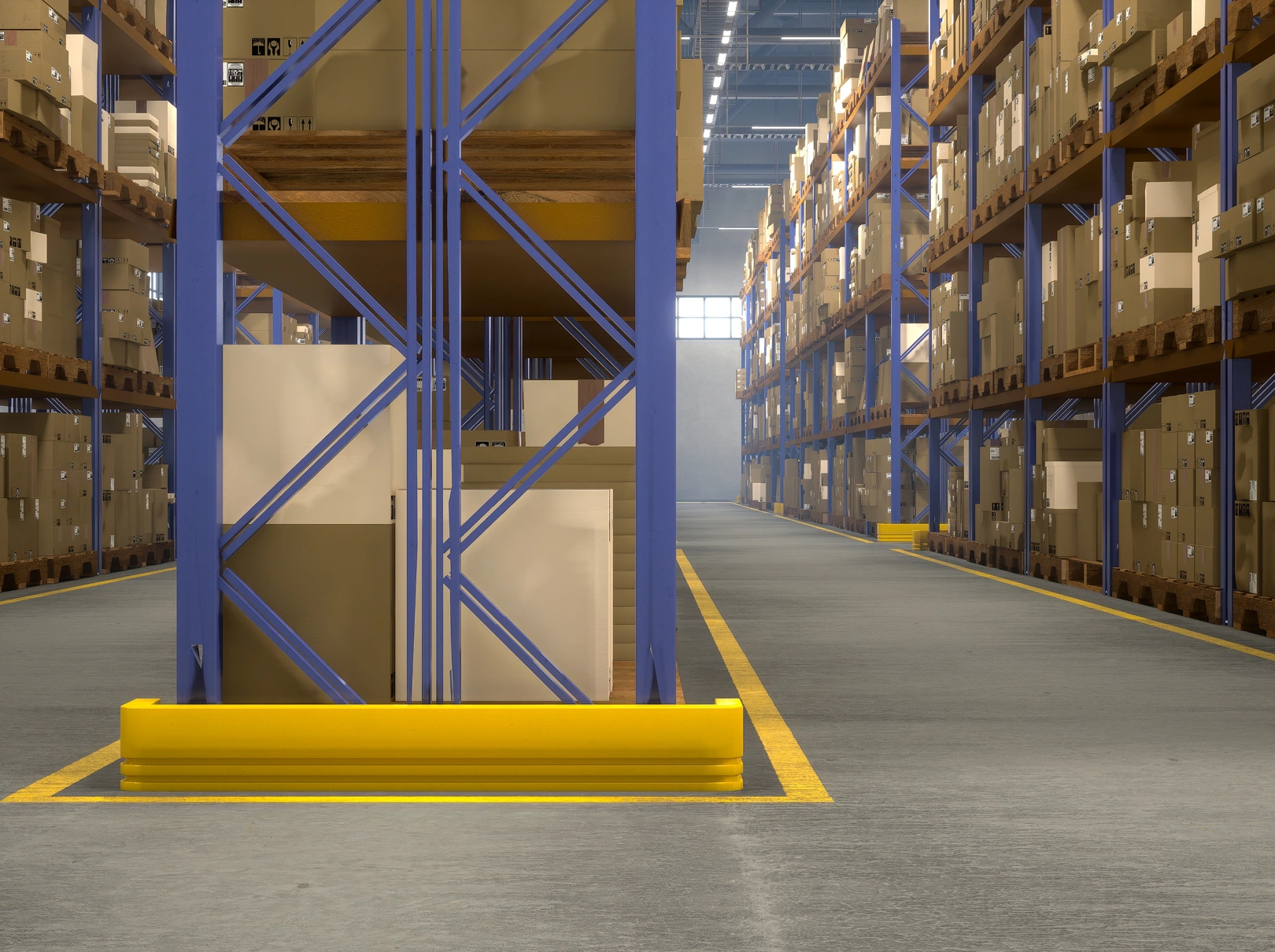
One of the most critical roles an ERP plays is in supply chain management. ERP in supply chain management gives businesses real-time visibility into inventory levels, supplier lead times, purchase orders, and demand forecasts, all in one place.
Without an ERP, supply chain decisions are based on guesswork. With one, you can:
For manufacturers and distributors especially, ERP supply chain functionality is not optional; it’s foundational. Deep dive into IoT & Smart manufacturing to see how smart technology further optimises supply chain visibility beyond ERP alone.
ERPNext is an award-winning, open-source cloud ERP used by thousands of businesses worldwide. It’s powerful enough for complex manufacturing operations, yet flexible enough for growing service businesses. Synkrone8 specialises in ERPNext implementation, helping companies go from spreadsheet chaos to a fully integrated operation, typically in 4-12 weeks.
Let’s put it simply:
| Category | CRM | ERP |
|---|---|---|
| Primary Focus | Customer-facing operations | Internal business operations |
| Key Users | Sales, marketing, and support teams | Finance, operations, warehouse, and HR teams |
| Core Question Answered | “Who are our customers?” | “How is our business running?” |
| Data Managed | Leads, contacts, deals, customer communications | Inventory, finances, payroll, production, procurement |
| Business Impact | Drives revenue growth and customer relationships | Improves operational efficiency and cost control |
| Best Time to Implement | When revenue growth is the primary challenge | When operational efficiency becomes the primary challenge |
The most important distinction: a CRM looks outward; an ERP looks inward.
A CRM is designed for revenue generation; it helps your team win more customers and serve them better. An ERP is designed for operational control; it makes sure your business can actually deliver on the promises your sales team makes.
Both are essential. But you likely need one before the other.
Forbes notes that the choice often comes down to whether your bottleneck is in sales pipeline visibility or in operational efficiency, and getting that diagnosis right is the first step.
When to Implement CRM First?
You should start with a CRM if:
Ideal business profiles:
Example: A 20-person consulting firm is growing fast but losing track of proposals and follow-ups. Their first software investment should be a CRM, specifically to organise their pipeline, automate follow-ups, and give management visibility into revenue forecasts. Our IT consulting team at Synkrone8 helps businesses make exactly this call every day.
You should start with an ERP if:
Ideal business profiles:
Example: A 50-person food manufacturer has a good sales team but can’t figure out why margins keep shrinking. The problem isn’t revenue; it’s that production costs, waste, and inventory are invisible. Their first investment should be an ERP. Talk to Synkrone8 to explore the right ERP approach for your industry.
For most growing businesses, especially those beyond 15-20 employees, the real question isn’t whether to implement both, but which one first.
Here’s a simple decision framework:
Before choosing tools, it’s worth understanding how to structure your digital transformation holistically; the sequencing of systems matters as much as the systems themselves.
Here’s where the real power lies. When ERP and CRM work together, your entire business becomes connected, from the first marketing touchpoint through to final delivery and financial reporting.
A connected ERP + CRM workflow looks like this:
Without integration, your sales team is promising what operations can’t deliver. Your finance team is reconciling numbers that don’t match. And your leadership team is making decisions based on data that’s at least a week old.
With integration, every team sees the same picture, in real time.
Salesforce research shows that businesses integrating CRM and ERP see measurable improvements in forecast accuracy, order fulfilment speed, and customer satisfaction scores.
At Synkrone8, we’ve implemented both Zoho CRM and ERPNext for businesses that needed best-in-class solutions for both customer management and operational control. Zoho CRM handles the front-end relationship management brilliantly; ERPNext manages the back-office operations with precision. Integrated properly, they eliminate the data silos that slow growing businesses down.
For businesses already in the Zoho ecosystem, Zoho One also offers Zoho Books, Zoho Inventory, and Zoho Projects, which can serve as a lightweight ERP alternative before a full ERPNext implementation makes sense.
When evaluating CRM software, prioritise:
Zoho CRM ticks all of these boxes and offers one of the best value propositions in the market, especially for SMBs that want Salesforce-level capability without the enterprise price tag.
When evaluating ERP software, prioritise:
ERPNext stands out here as an open-source ERP that delivers enterprise-grade functionality without enterprise-level licensing costs. It’s particularly strong for manufacturers, distributors, and project-based businesses. View Synkrone8′ ERP solutions to see how we implement ERPNext for businesses across sectors.
At Synkrone8, we’ve helped businesses across the USA, India, and globally navigate exactly this question. Our approach is always the same: understand your business first, recommend software second.
As an Authorized Zoho Partner, we implement Zoho CRM for businesses that need to organise and accelerate their revenue operations. As ERPNext specialists, we implement integrated ERP solutions for businesses that need operational clarity and control.
And when the answer is “you need both,” we build integrated architectures that connect your customer-facing and operational systems, so your business runs as one connected unit, not a collection of disconnected tools.
Whether you’re a 10-person startup deciding on your first CRM, a 100-person manufacturer evaluating ERP options, or a scaling business trying to make sense of a technology landscape that’s grown too complex.
A CRMmanages customer-facing operations, sales, marketing, and support. An ERP manages internal operations, finance, inventory, supply chain, and production. CRM drives revenue; ERP controls costs and operational efficiency.
Most small businesses benefit from starting with a CRM, as revenue growth is typically the first constraint. A CRM organises sales pipelines, automates follow-ups, and provides customer visibility at low cost and complexity. ERP becomes essential as operations scale.
Yes, and they should be. When CRM and ERP work together, data flows seamlessly from the first customer interaction through to fulfilment and financial reporting. Integration eliminates data silos and gives every team a single source of truth.
ERP in supply chain management provides real-time visibility into inventory levels, supplier performance, purchase orders, and demand forecasting. It automates reorder points, connects procurement to production planning, and links supply chain data directly to financial reporting.
Zoho CRM is primarily a CRM, but within the Zoho One ecosystem it works alongside Zoho Books, Zoho Inventory, Zoho Projects, and Zoho Analytics, making it a strong lightweight ERP alternative for SMBs. For more complex needs, it integrates well with ERPNext.
CRM implementations typically take 2-8 weeks. ERP implementations range from 4 weeks for focused projects to 6+ months for complex deployments. At Synkrone8, our ERPNext manufacturing implementations typically go live in 4-12 weeks.
The ERP vs CRM question is really a question about where your biggest bottleneck is right now.
If your answer is “we’re not winning enough customers” or “our sales process is chaotic”, start with a CRM. Zoho CRM can transform how your team sells in a matter of weeks.
If your answer is “we don’t know where our money is going” or “our operations can’t keep up with demand”, start with an ERP. A well-implemented ERPNext/ gives you the operational backbone to scale without losing control.
If your answer is “both”, work with a partner who can help you design an integrated technology architecture from the start, so you’re not spending the next five years trying to connect systems that were never designed to talk to each other.
Synkrone8 has helped businesses in the USA, India, and globally answer this question and implement the right solution. Whether it’s Zoho CRM, ERPNext, or an integrated combination of both, we bring the expertise, the process, and the honest advice that growing businesses need.
Written by

Synkrone8 is a group of manufacturing IT specialists, ERP consultants, and smart-factory engineers who turn shop-floor challenges into connected, data-driven operations. They write about Industry 4.0, ERP, IIoT, and digital transformation drawn from real implementation experience.
Discover more insights, trends, and stories from our experts.

ERP
FMCG
In most industries, a production plan that's a little off costs you some efficiency. In...
8 Min Read
05, Oct 2026

ERP
Industrial
ERP for production planning is the practice of using enterprise resource planning software to schedule...
8 Min Read
21, Jul 2026
ERP
ERP (Enterprise Resource Planning) is software that integrates a company's core business processes, finance, inventory,...
6 Min Read
01, Jun 2026